
Truncate a Table
In xMart, it is possible to truncate a table which will empty it completely. Data in a truncates table cannot be recovered.
Navigate to the mart.
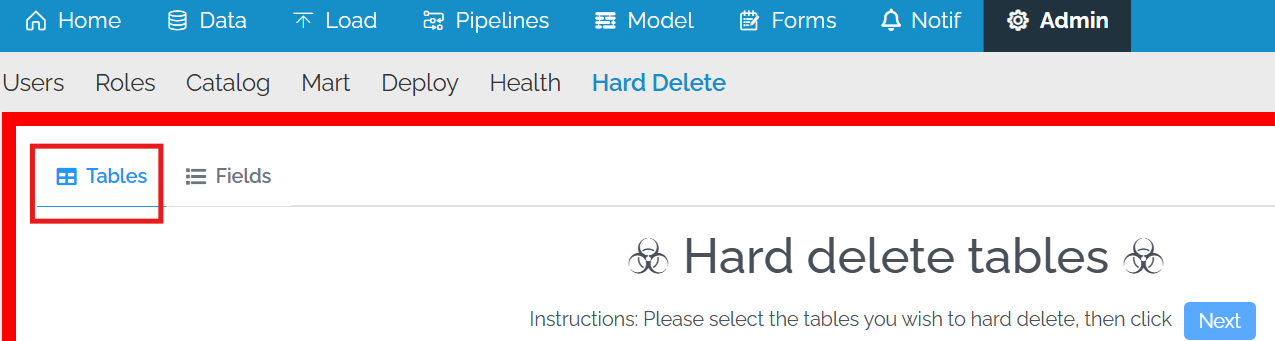
Click on Admin and then Hard Delete

Select Tables at the top (should be the default)
Select one or more tables from the list. If there is a dependency, the dependent table will also be selected.
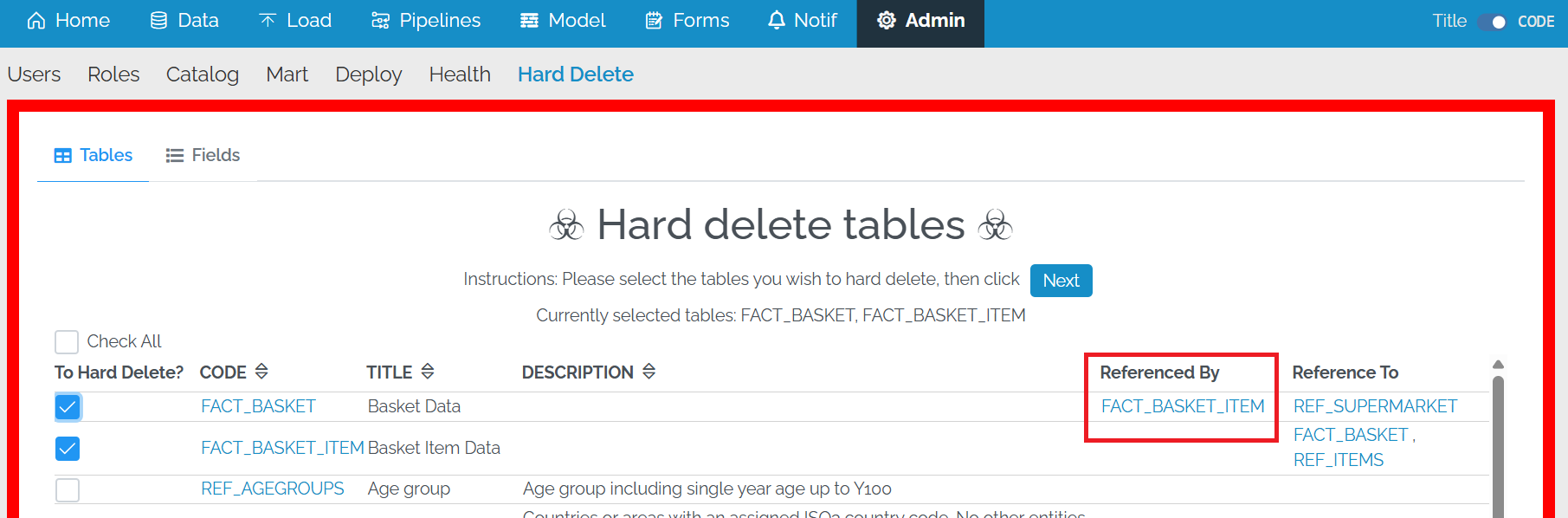
Press Next.
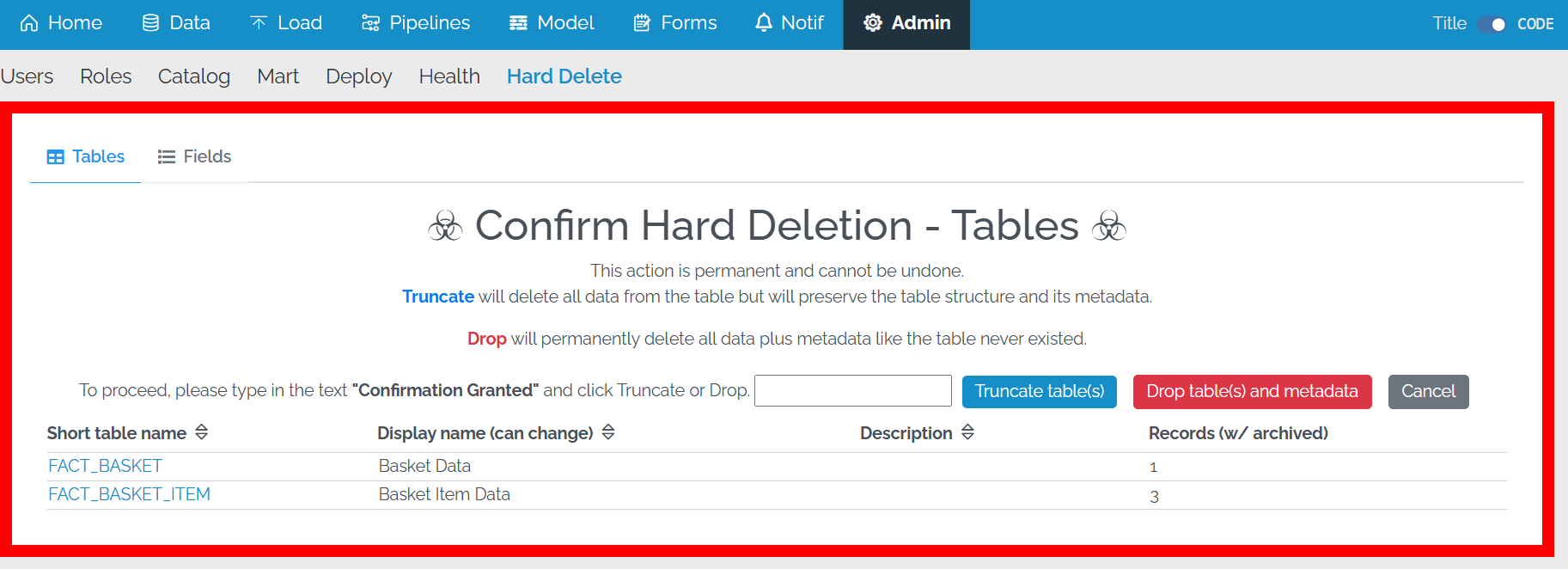
To continue, you will need to type in Confirmation Granted into the box and then select Truncate table(s) on the right. Note that truncating a table will also
- truncate any tables which have a foreign key pointing to a selected table even if they have not been selected for truncation.
- drop any data history for the truncated tables