
Schedule a Load
In xMart, a load origin can be scheduled to run so that data is loaded without any user interaction. This cannot be done for origins which require a file.
Set-up Scheduling
Setting up a schedule can only be done from the Pipeline page

On the list of pipelines, hover over an origin and the scheduling icon should appear.

Clicking on this icon will bring up the Schedule pop-up.
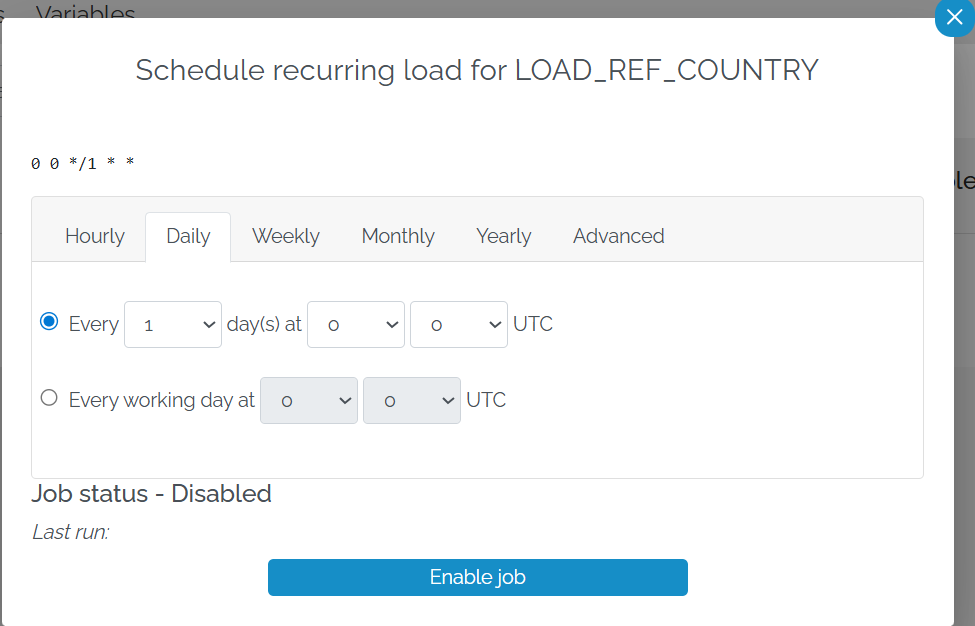
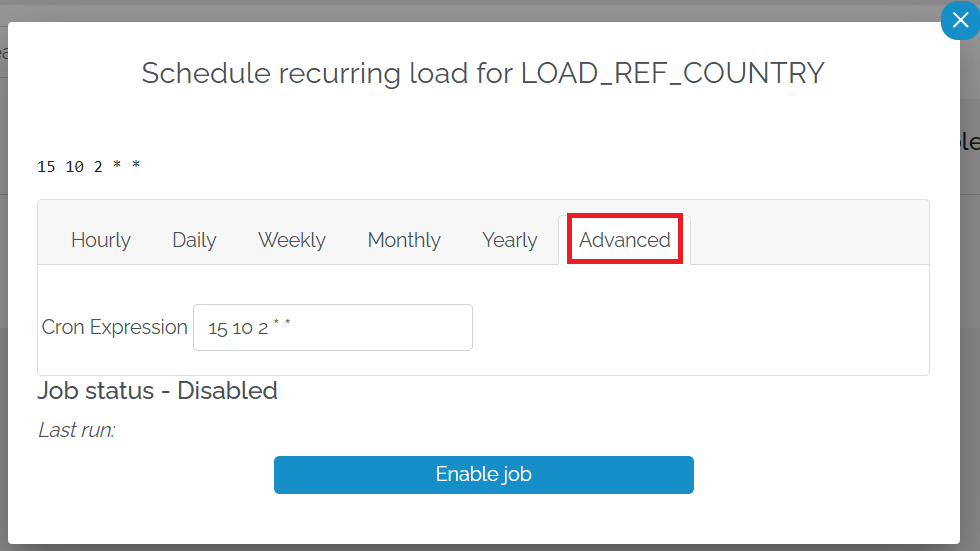
Here, users can set up the scheduling. If the scheduling is not regular (e.g. just the first Friday of each month) there is an advanced option to let the users enter the CRON directly
In the top left there is the CRON for the scheduling
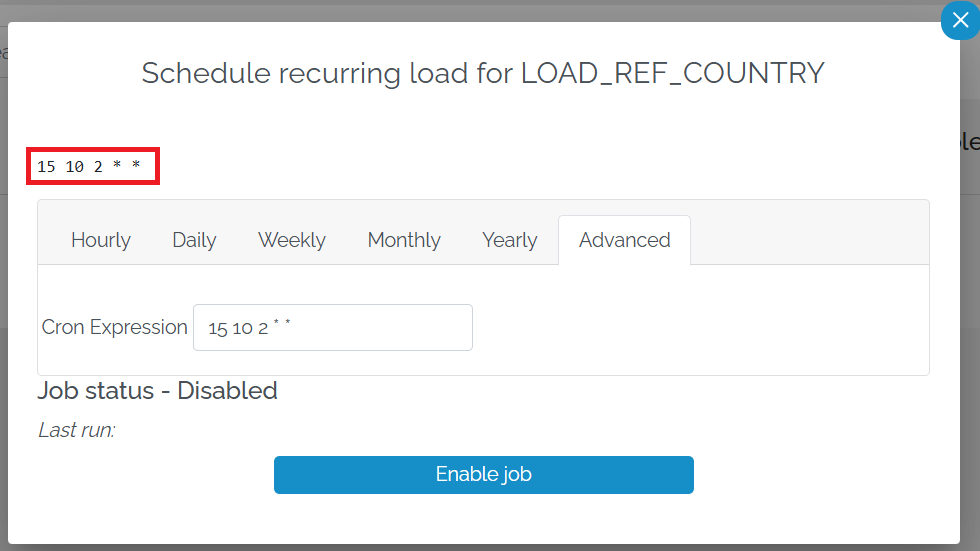
If you click on it, it takes you to a site called Crontab Guru which explains the CRON.
Once you have set up the scheduling, press Enable Job
Once a job has been scheduled, the scheduling icon appears next to the origin.

Edit or disable schedule from Pipeline page
By pressing the scheduling icon, you can edit or disable the scheduling.
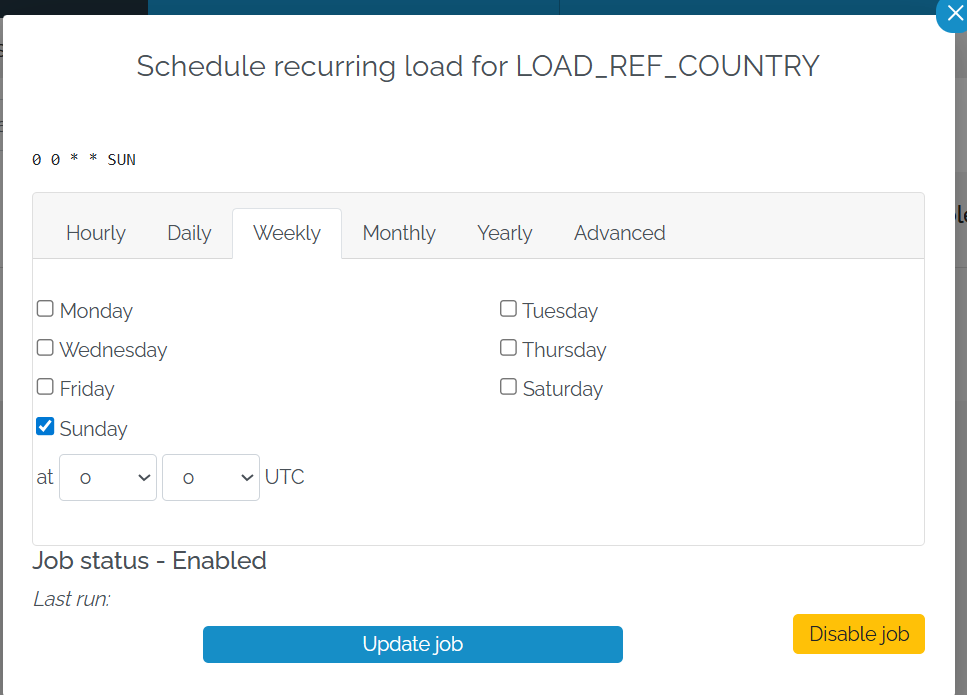
To edit, change the schedule and press Update Job. To stop the schedule, press Disable Job.
Edit or disable schedule from Data Load Page
The schedule can also be edited from the Data Load page. To navigate to it, select Load and then Scheduled Loads.
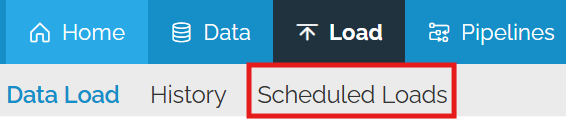
This will bring up a list of the scheduled origins.

Click on the scheduling icon to edit the schedule.