
Custom Views in xMart UI
This article covers the following topics
- What is the Custom View Page?
- Where is the Custom View Page?
- View fields
- View Definition
- View History
- View Properties
- View Data
What is the Custom View Page?
You can create custom views for your mart on the SQL Server database. These views can be registered in xMart and used like tables.
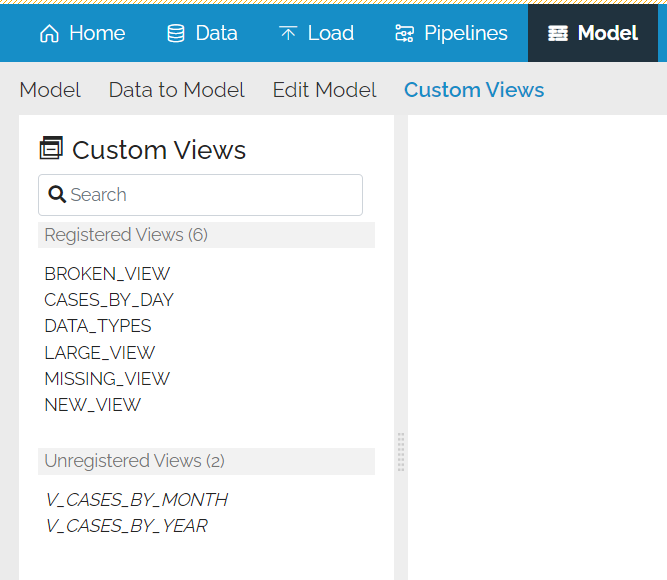
There is a page that displays information on both the registered and unregistered views.
Where is the Custom View Page?
There is a link in the Models Menu but the user will need MODEL_UPDATE permission to use it.

This will give a list of views created on the mart.
Registered View Options
Clicking on a registered view will offer a number of options.
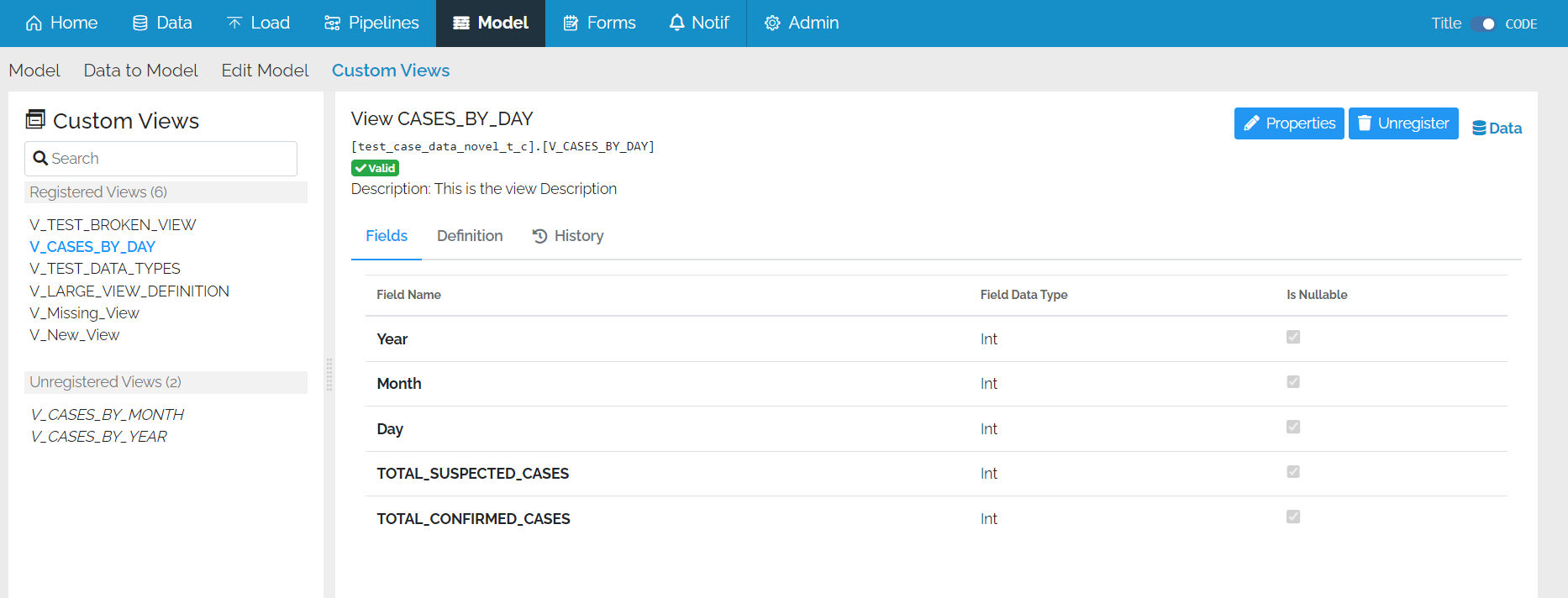
Fields
You can see a list of fields which will be returned when the view is run.

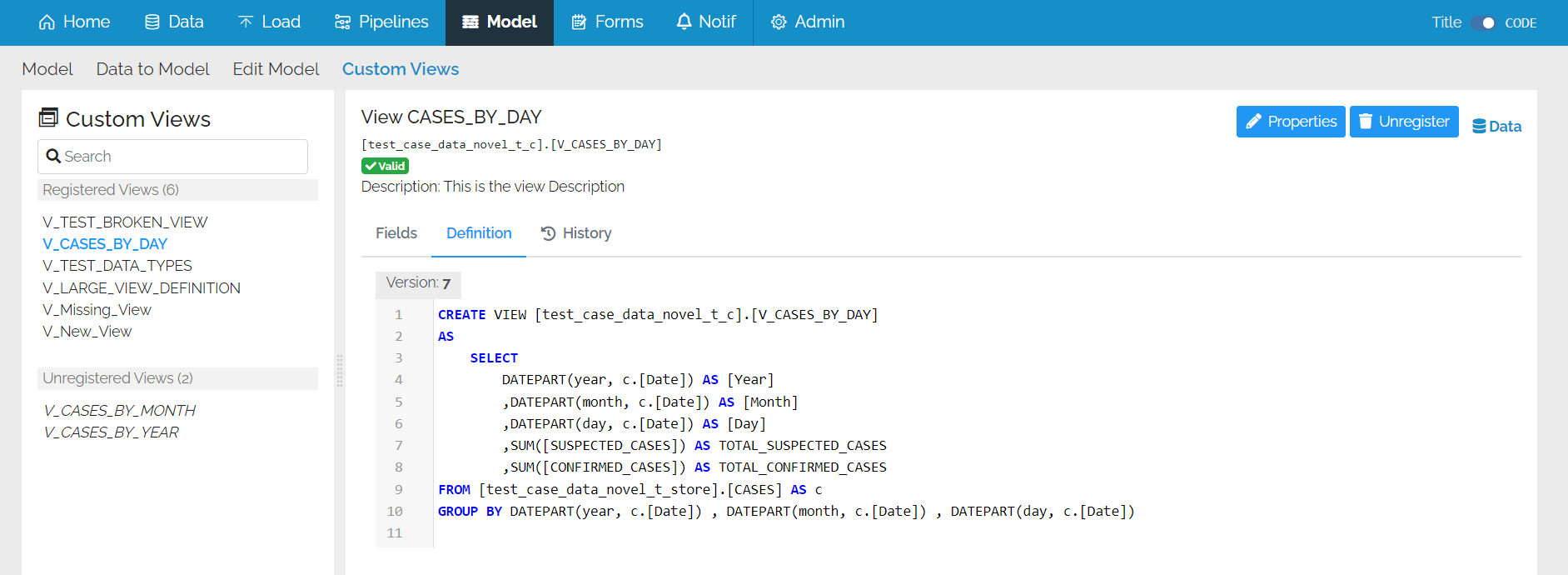
Definition
The view definition can be seen here and you may alter the custom view by using the xMart SQL editor.

History
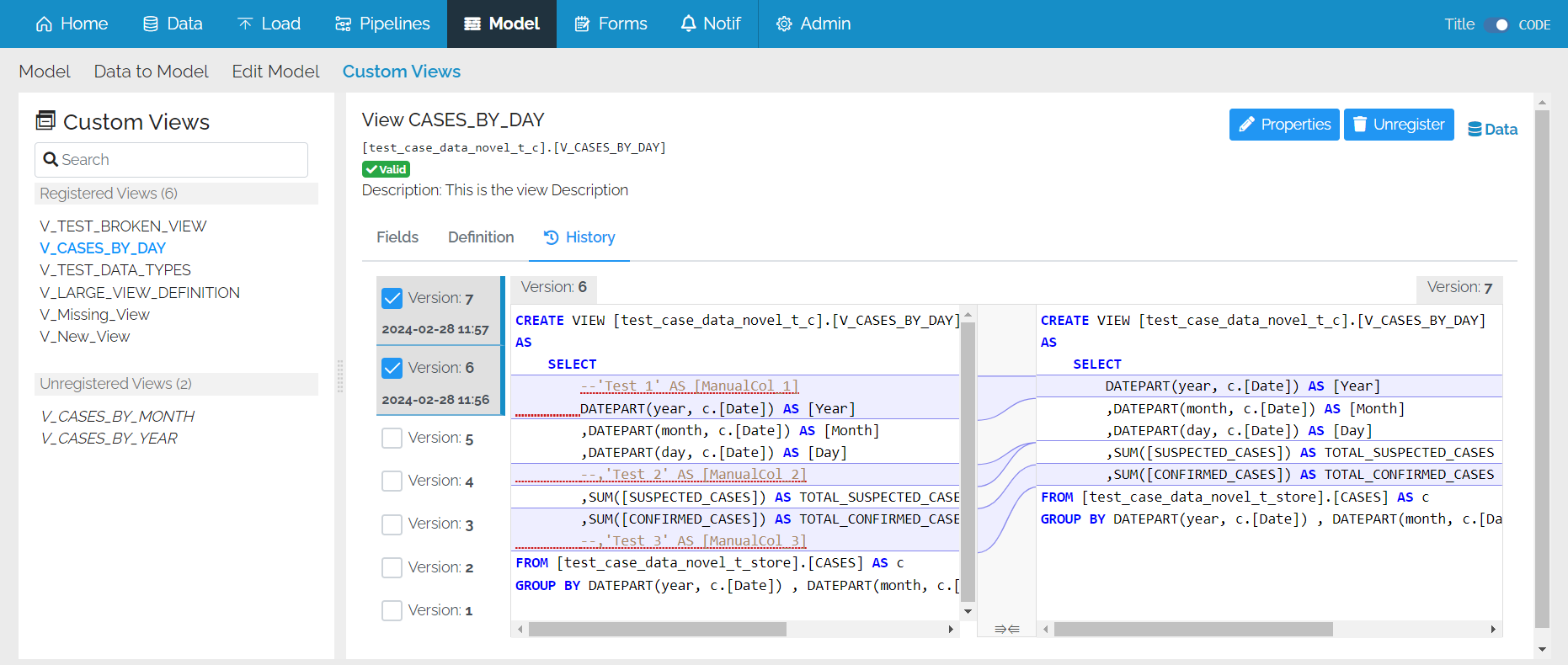
xMart keeps a history of changes for both registered and unregistered views. This functionality allows you to look at the history of a view.

If you click on a version, you can see the date the view changed underneath the version number.
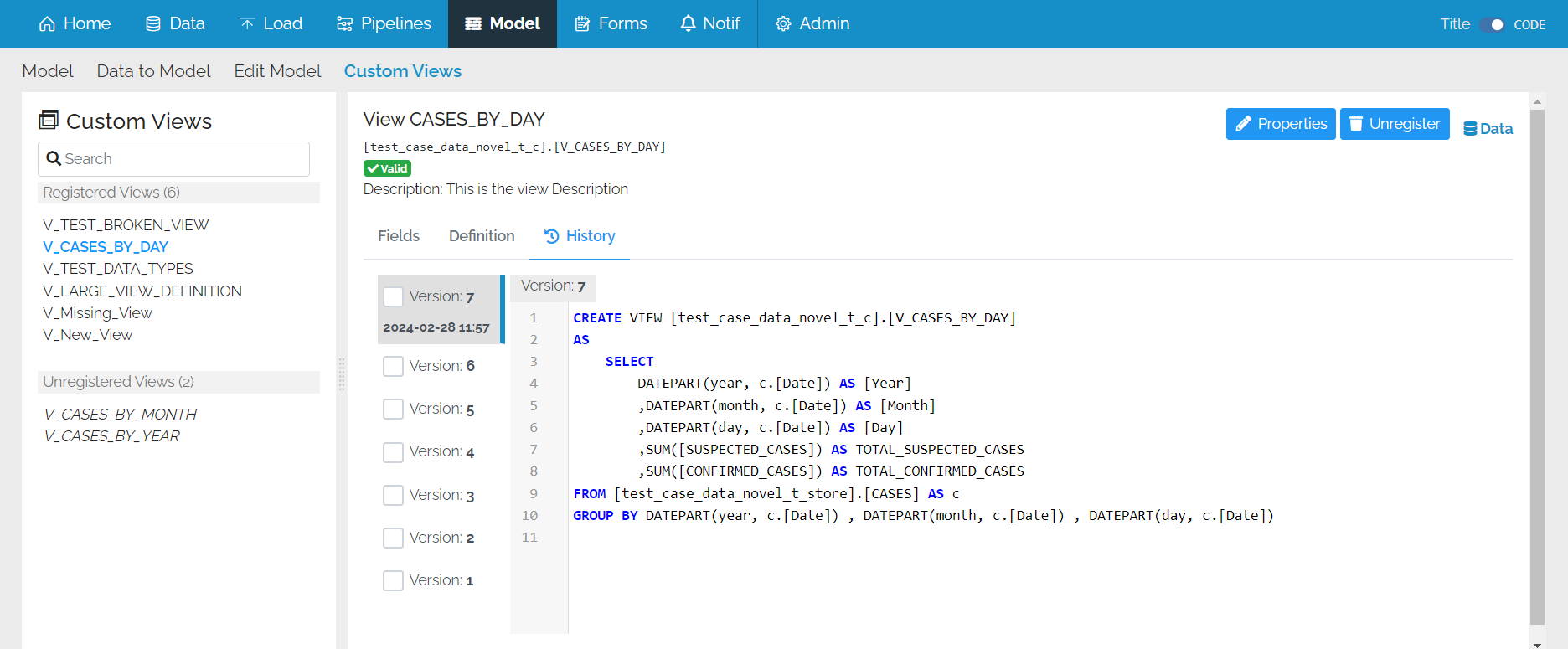
You can compare two versions of the view to see what has changed.
Properties
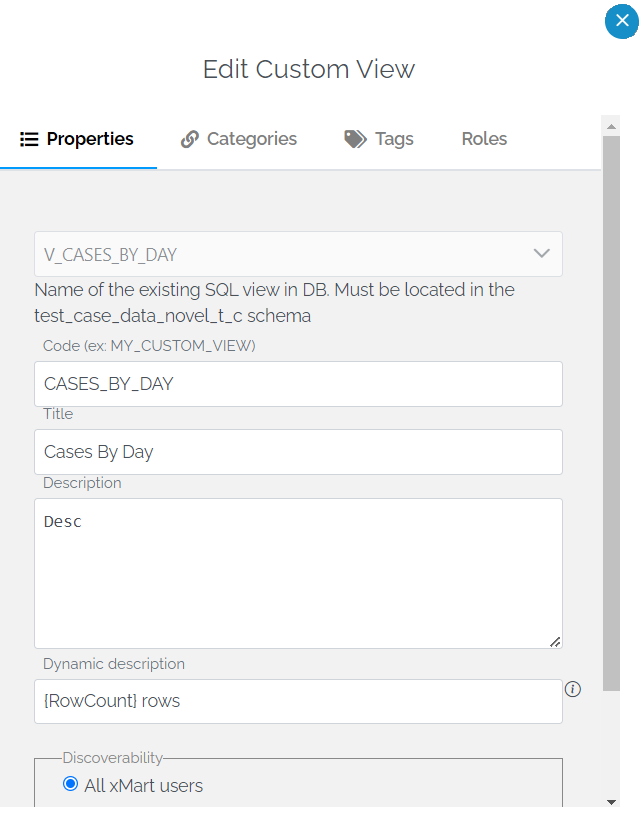
You can see and edit the properties of a view.

This brings up the same pop-up as you would get if you went to Admin\Catalog and clicked on the pencil icon to edit a view’s properties.
Data
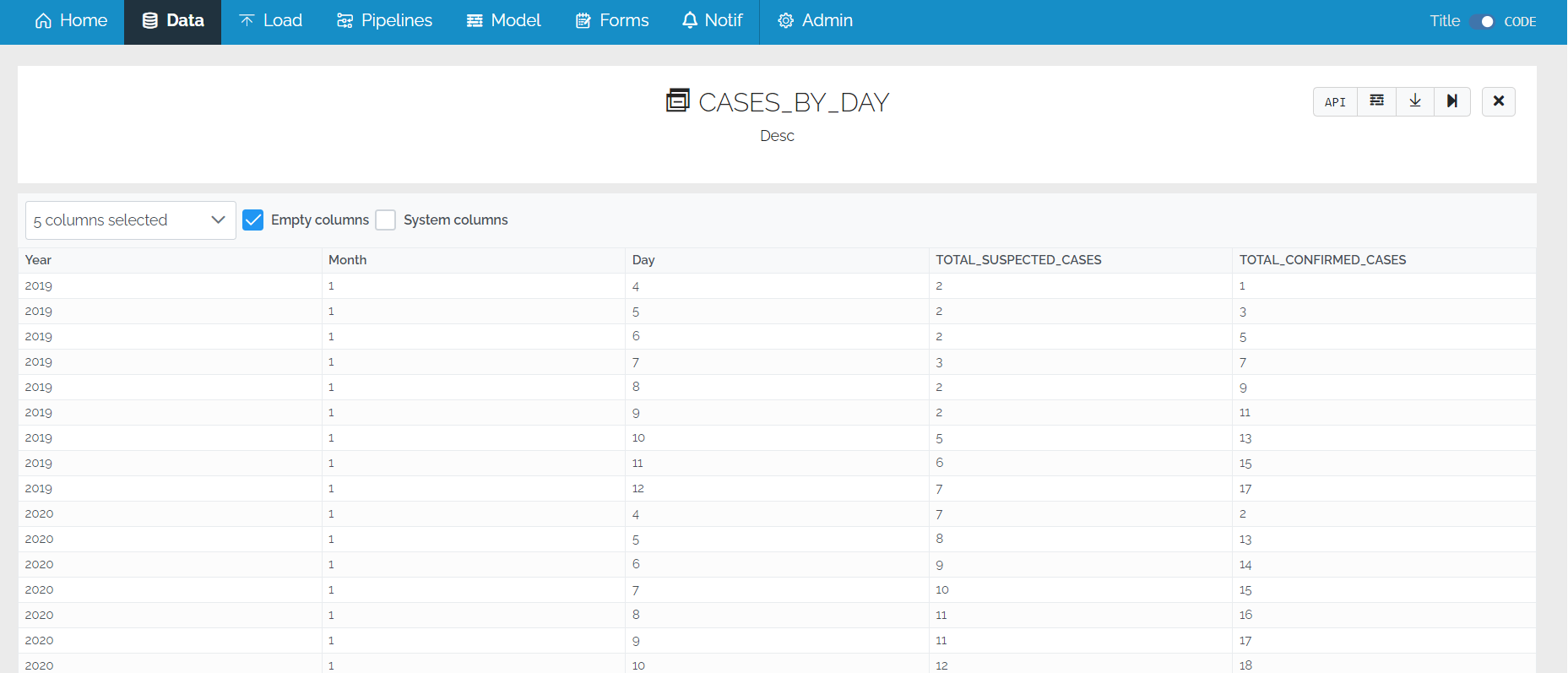
The data can be viewed directly from here

This takes you to the Data page
Unregistered View Options
For unregistered views, there are almost all of the same options except that there are no Data icon and the view can be dropped.
